Crop thousands of bird photos in one go.
No more cropping by hand. Point BirdFrame at a whole album or folder and it crops every bird it finds, even the small, far-off and half-hidden ones, in the framing you choose. Every crop keeps the full resolution of your original.
Free for up to 50 photos per run · $29.99 once for bigger batches · No subscription · macOS 15 or later · Windows coming soon
Three steps, then back to birding
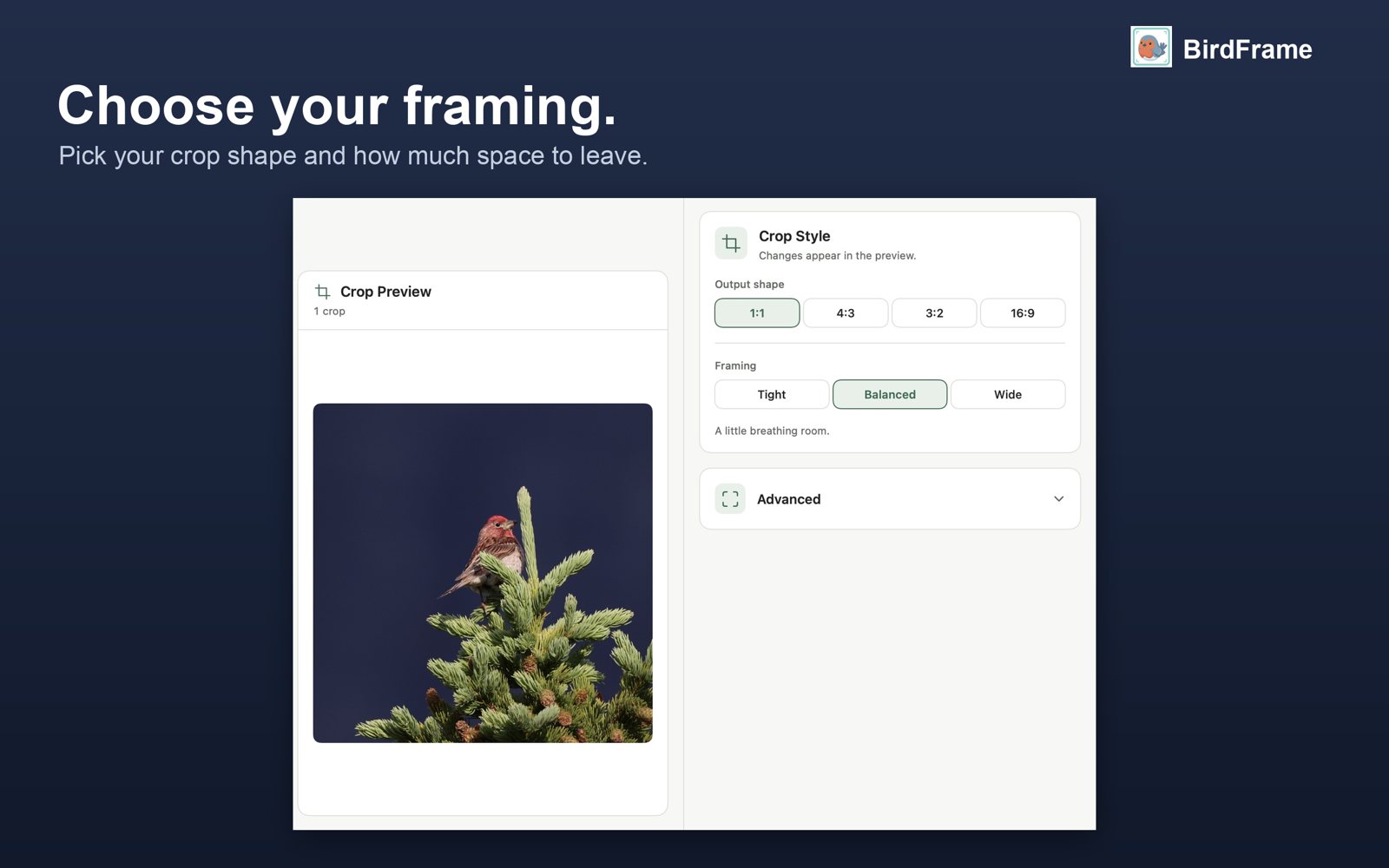
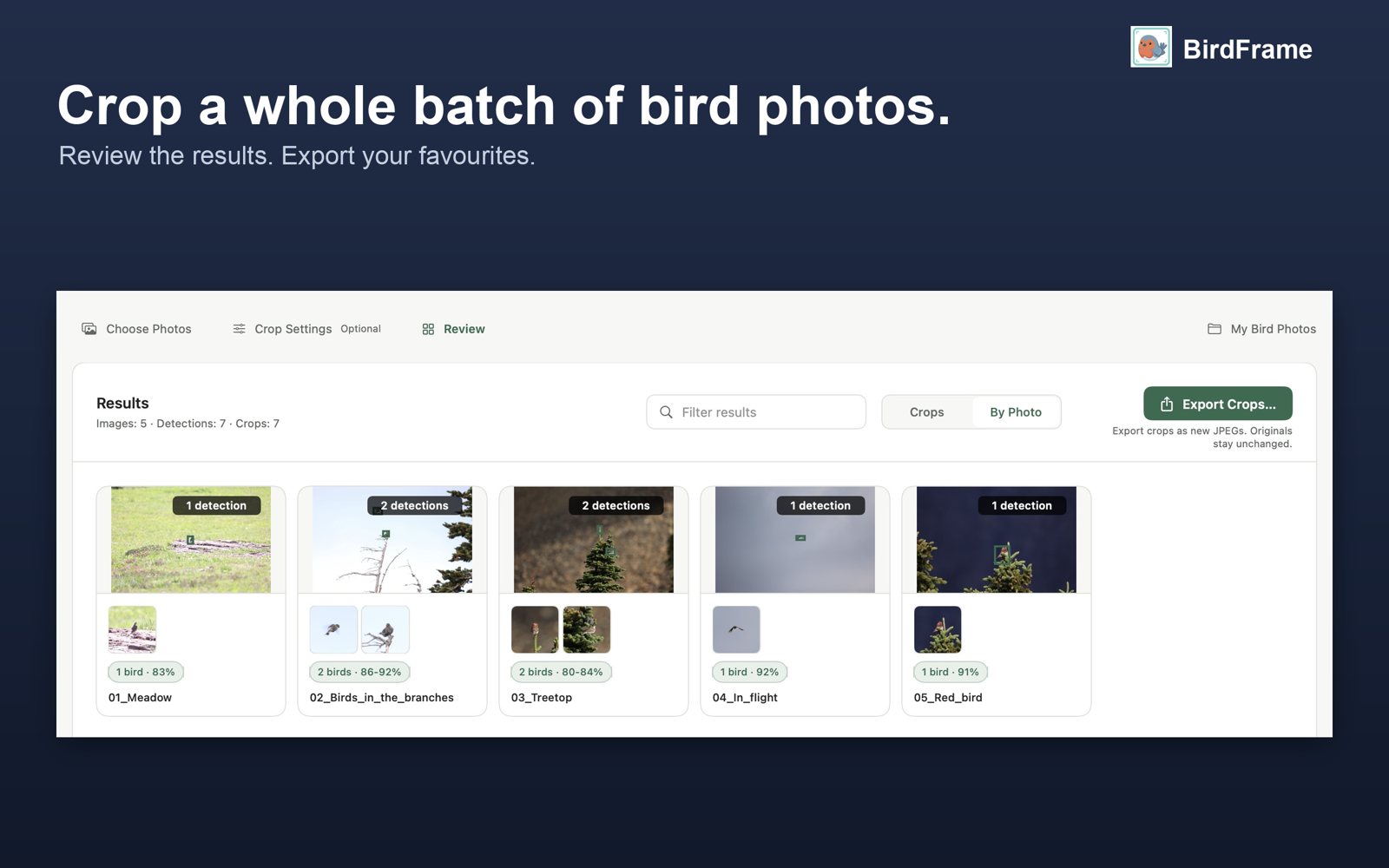
A real run, not a mock-up
Try it on your own photos first
Black Friday: from Nov 20 to Dec 1, the one-time unlock is US$19.99 instead of US$29.99 (sale prices in other currencies too). No code needed.
Up to 50 photos per run, as many runs as you like. Every feature included.
No limit on batch size. One purchase, no subscription. Restore it any time from Settings.
Get BirdFrameQuestions
Does it work with RAW files?
Yes. From a folder it reads CR2, CR3, NEF, ARW, ORF, RAF, RW2 and DNG, and a RAW+JPEG pair counts as one photo. It also works with Apple Photos albums and JPEG, PNG or HEIC files. Batch cropping on a Mac
Does BirdFrame use generative AI?
No. It doesn't generate or add anything. It finds the birds in the photos you took and crops them: every pixel in a crop is yours.
Do I lose resolution?
No. Each crop is cut from the full-size original, with no downscaling. How far you can crop
Are my photos uploaded?
No. Finding and cropping happen on your Mac, and nothing is uploaded.
What if there are two birds?
Export Crops saves each bird as its own crop. In Photos, one crop per photo frames them all.
Can I undo a crop?
Yes. In Photos, choose Revert to Original or use BirdFrame's Restore All Originals. Folder exports never change your source files. Cropping a whole album in Photos
Which Macs?
Any Mac running macOS 15 or later. Apple silicon is fastest.
Is there a Windows version?
It's coming soon. Join the waitlist and we'll tell you when it's out.